> ## Documentation Index
> Fetch the complete documentation index at: https://docs.cosmil.app/llms.txt
> Use this file to discover all available pages before exploring further.
# Job Manager
> Monitor and manage running and finished jobs
## Opening
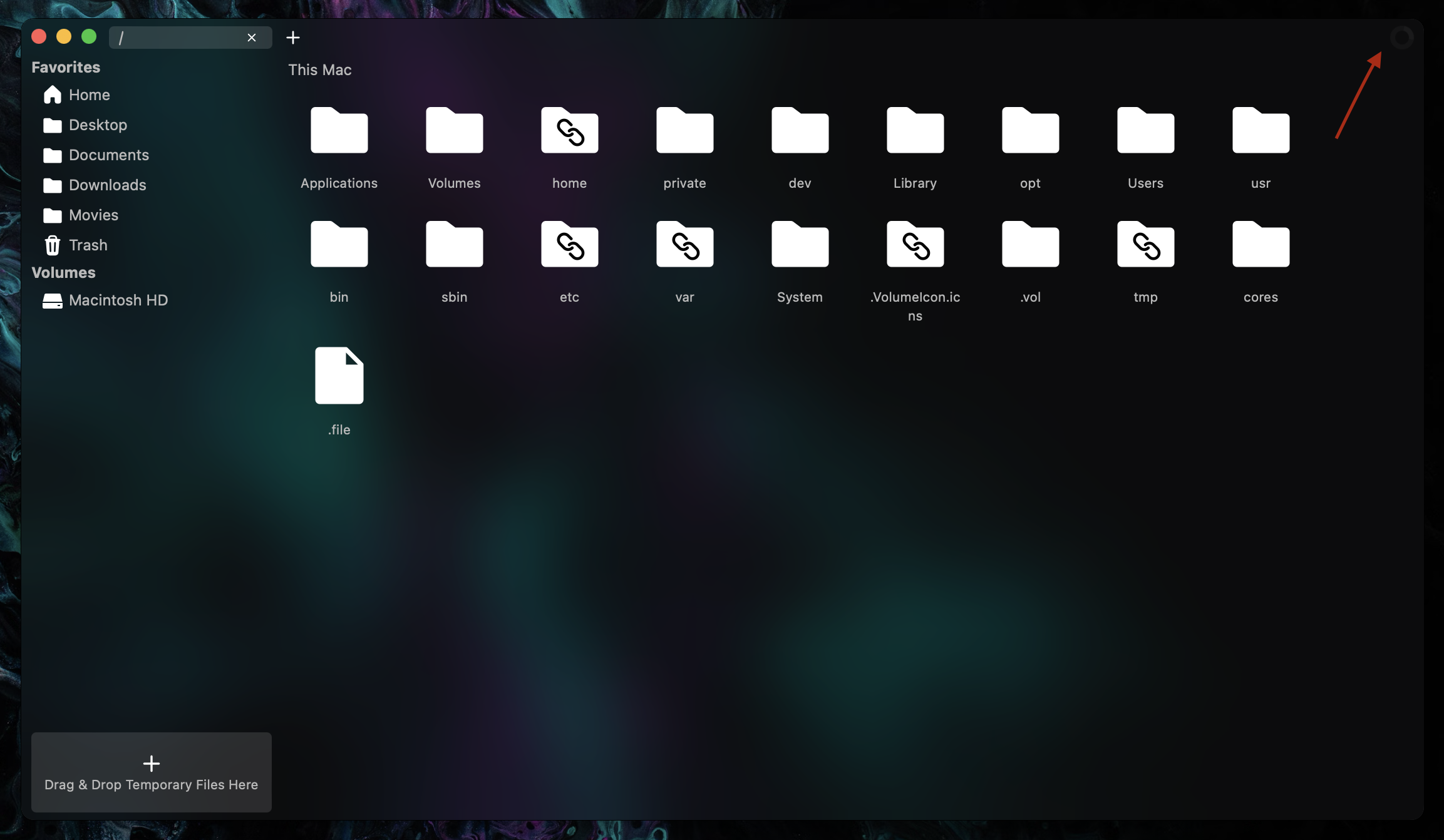
The job manager can be opened by clicking the spinner in the very top-right of the window.
 ## Monitoring Jobs
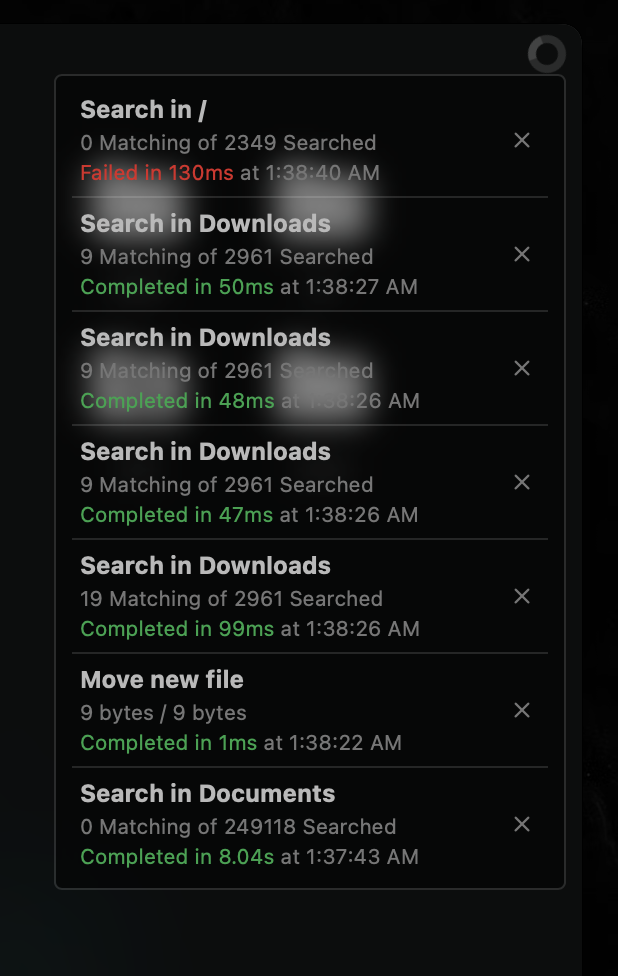
You can monitor job progress (while they are running) and job info (after they have finished), such as bytes transferred, files matching out of files searched and job run duration.
## Monitoring Jobs
You can monitor job progress (while they are running) and job info (after they have finished), such as bytes transferred, files matching out of files searched and job run duration.
 ## Canceling and Clearing Jobs
You can clear jobs by clicking the `X` on the right of them and they will be removed from the job manager. You can cancel jobs by clicking the same `X` while they are running. You cannot clear jobs while they are running, you must either wait for them to finish or cancel them first.
## Viewing Fail Reasons
When jobs fail, the error that caused them to fail is recorded. To view job fail reasons, click the red `Failed` status text. A red popup should appear with the fail reason. To close the fail reason modal, press `Escape`.
If a fail reason ever seems out of place or might be an error caused by Cosmil, please [join the Discord Server](https://cosmil.app/discord) and report it. I'll try to get back to you as soon as I can so we can get things sorted!
## Canceling and Clearing Jobs
You can clear jobs by clicking the `X` on the right of them and they will be removed from the job manager. You can cancel jobs by clicking the same `X` while they are running. You cannot clear jobs while they are running, you must either wait for them to finish or cancel them first.
## Viewing Fail Reasons
When jobs fail, the error that caused them to fail is recorded. To view job fail reasons, click the red `Failed` status text. A red popup should appear with the fail reason. To close the fail reason modal, press `Escape`.
If a fail reason ever seems out of place or might be an error caused by Cosmil, please [join the Discord Server](https://cosmil.app/discord) and report it. I'll try to get back to you as soon as I can so we can get things sorted!